
Automatic CAM · inside Siemens NX
3-axis CNC programming,
straight from the solid
RockCAM reads the 3D model, works out the datum, the setup, the tools and the toolpaths — and hands the program back to NX for you to review. No templates to configure. No features to pre-mark.
2014
Building CAM tooling since
~2,000
Customers served
40+
Copyrights & patents
NX 10+
Siemens NX versions supported
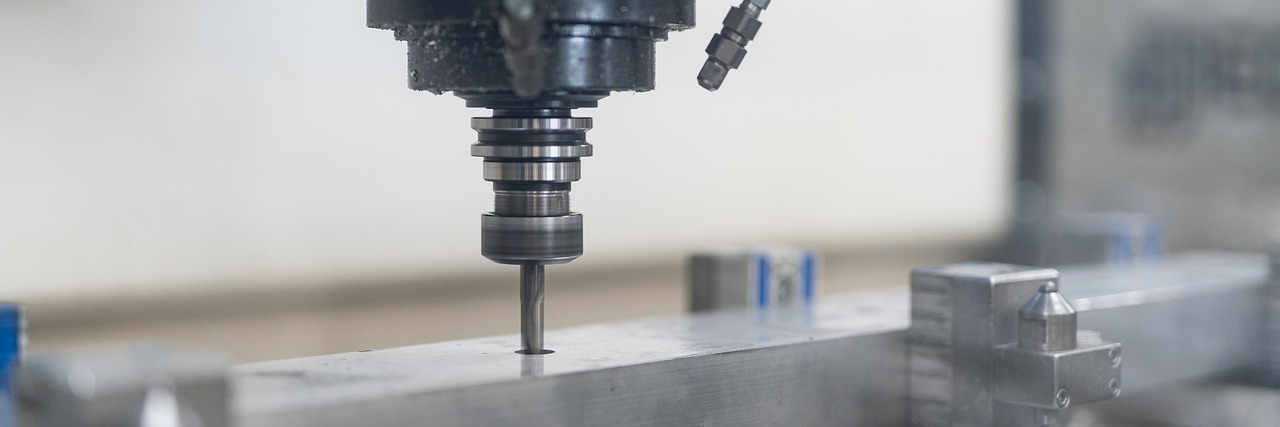
Three steps. No template setup.
From a raw solid to a reviewable program, without configuring anything first.
01
Drop in the solid
Any machinable 3-axis part with a 3D model. Block or cylinder stock. You don’t mark features or pick geometry.
02
RockCAM works out the program
Machining order, setups, tool selection and toolpaths — decided from the model itself, with collision checks on the critical cuts.
03
Review it inside NX
The program comes back as normal NX CAM operations. Check it, change anything you’d do differently, then post it.
What it actually does
Four things, done properly.
Automatic feature recognition
No template to configure, no geometry to pick. RockCAM reads the model from zero and decides the machining order and setups on its own.
Automatic tool selection
It picks from your tool library and common tool numbers, keeping tool changes down on small batches without giving up efficiency.
Your own process templates
Point it at the templates, tool lists and parameter tables your shop already runs, and it programs to your standards.
Batch mode & API
Drop a folder of STEP or x_t files and run them without opening NX. An API is available for integrating RockCAM into your own flow.
Built for high-mix, low-volume work
The parts that keep non-standard automation shops busy. If it’s a 3-axis job with a solid model, it’s in scope.
- Fixture and jig parts
- Non-standard automation parts
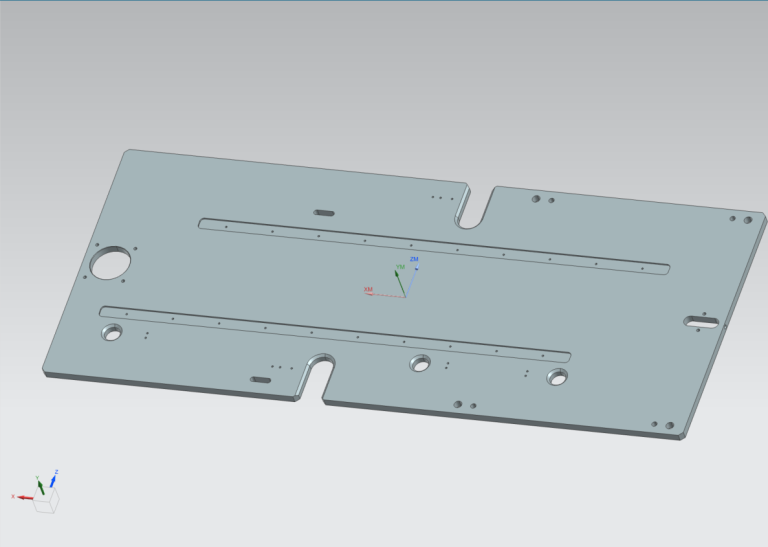
- Plates and multi-hole parts
- Long bars
- Thin-walled discs
- Transmission parts
- Turned-then-milled parts
- Parts with light freeform surfaces
- Small parts
- Rotational parts
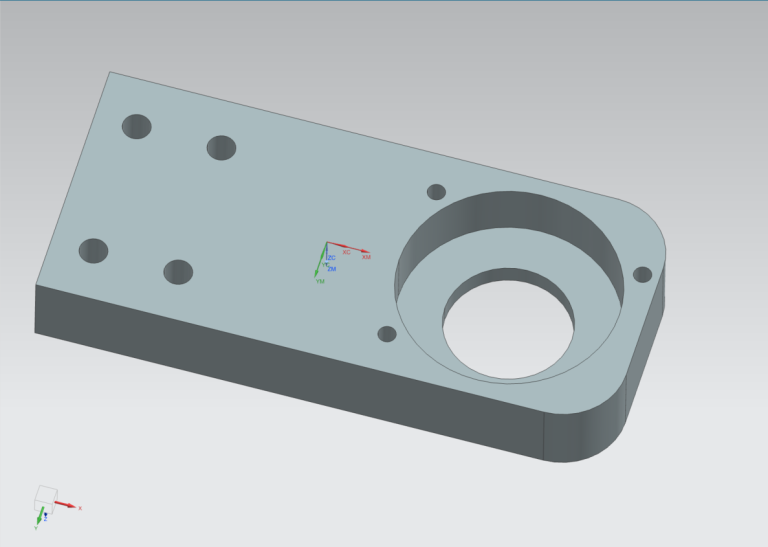
- Housings and bosses
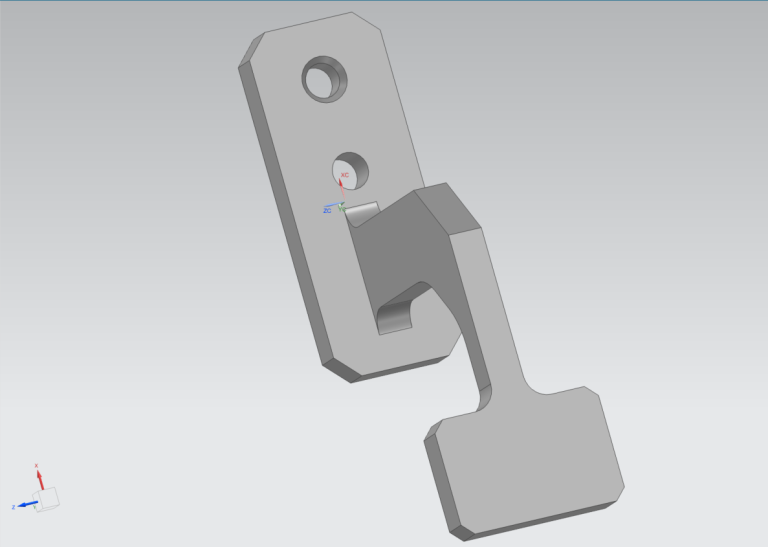
- Brackets
- Slots, steps and pockets
- 2D contour shapes
- Cluster parts
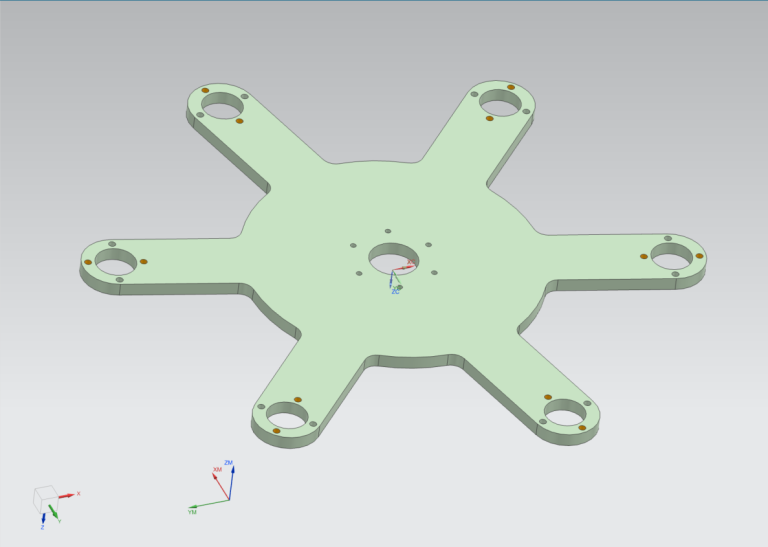
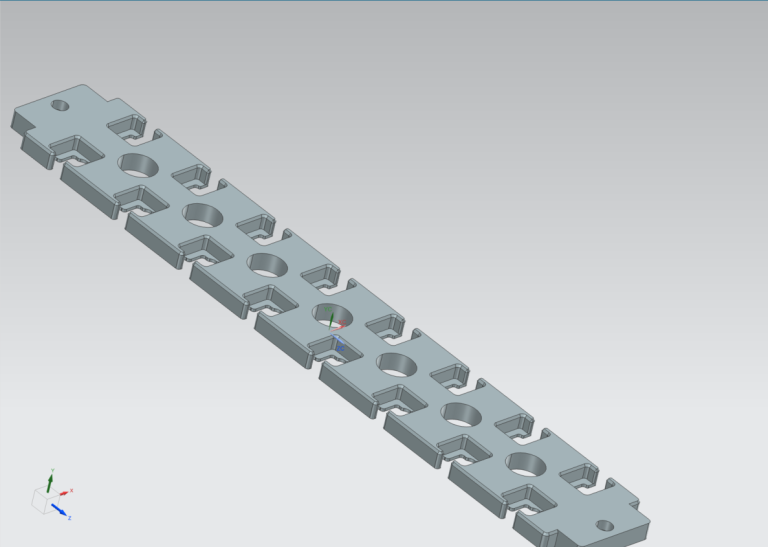
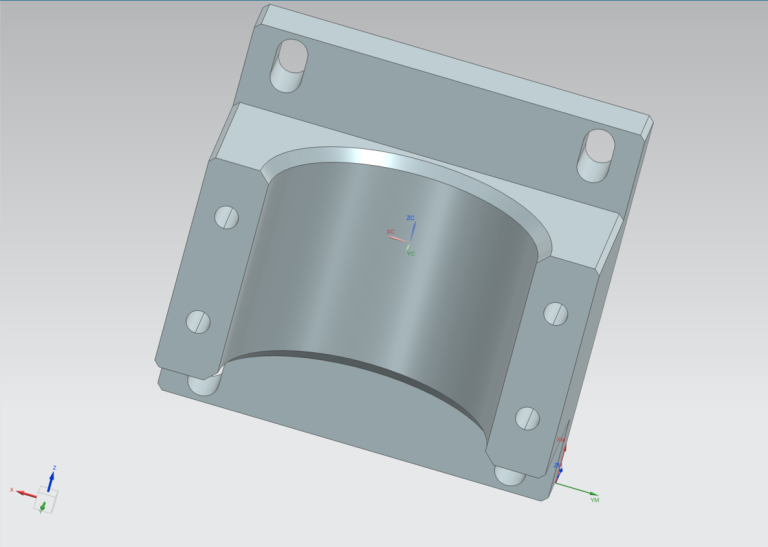
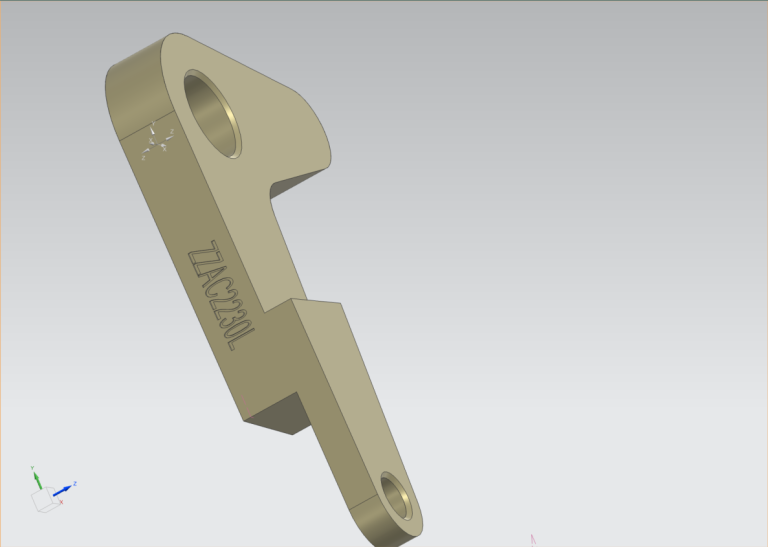
A sample of parts programmed with RockCAM
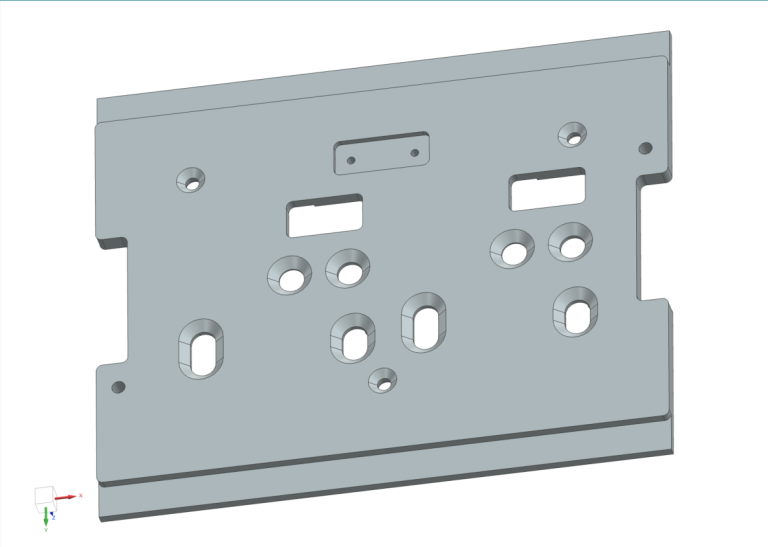
Where it doesn’t fit — and why
A tool that claims to fit everything fits nothing. Here’s the short version.
- 4- and 5-axis work — the tool axis isn’t fixed, that’s a different problem
- Free-form surfaces and mould work
- Turning-only parts — it mills, it doesn’t turn
- Castings — block and cylinder stock only
If most of your work sits in that list, RockCAM is the wrong tool for you — and we’d rather you knew now.
The full list, with the reasoning behind each line, is on the About page.
How it’s licensed
Simple terms, quoted up front. No subscription traps.
Evaluation
Send us a part you actually machine. We return the program — you judge the result, not a demo.
Per-seat licence
Annual, per workstation. Setup includes your templates, tool library and parameter tables.
Batch & API
For high-volume shops and integrators: run folders of parts unattended, hook it into your own systems.
Pricing is quoted per seat and region — tell us what you run and we’ll be straight with you.
Judge it on your own part.
Send us a STEP model of a part from your queue. We’ll return the program — compare it with what your shop produces today.
RockCAM is built by Suzhou Tongshang Software Technology Co., Ltd. — Suzhou, China.
Engineering software since 2014.